AI chat history
Search, rename, archive, restore, export, or delete saved AI chats in SERP Lens.
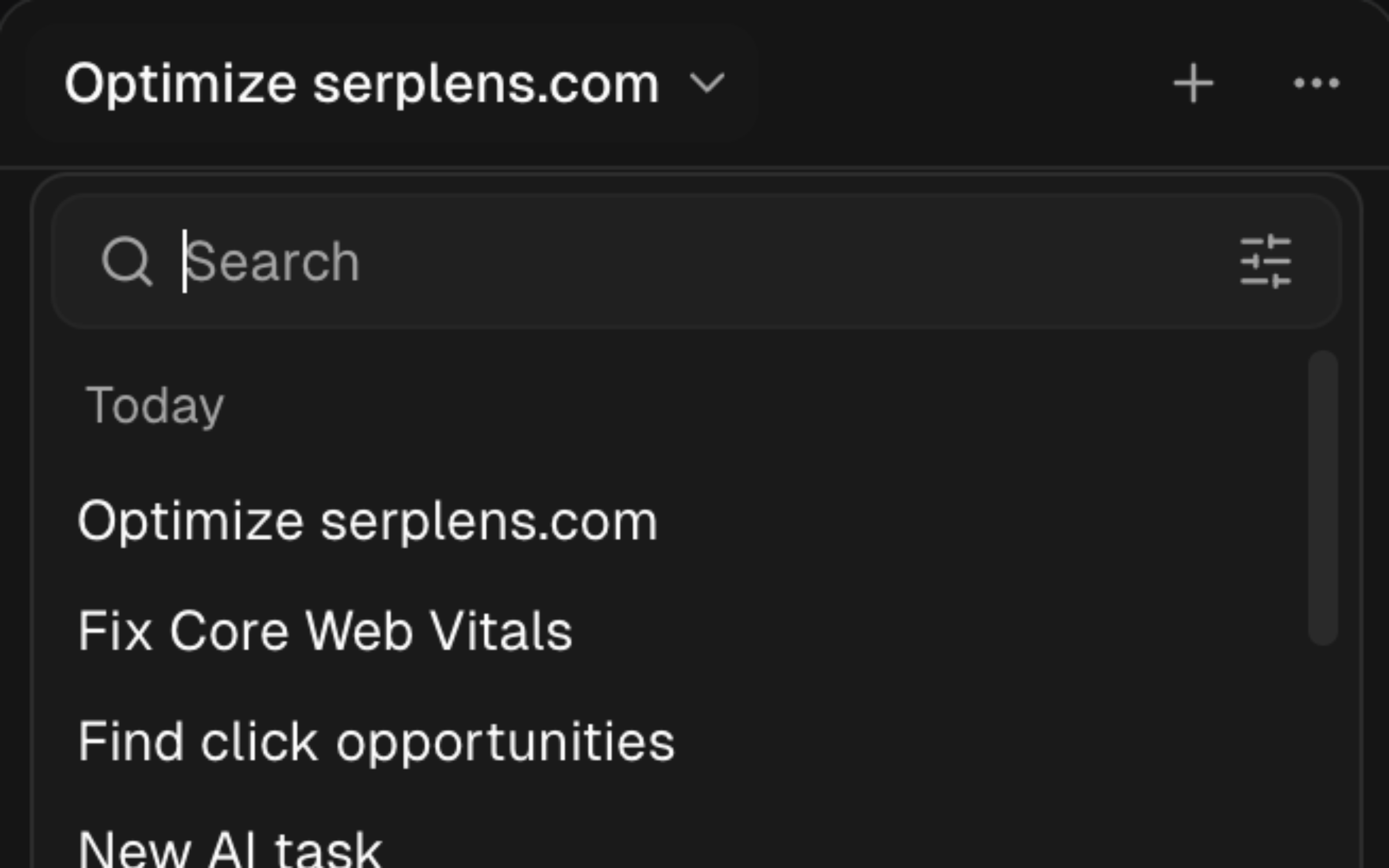
Open the history control in the AI panel to return to an earlier chat. Search the saved chats or filter them by All, Active, or Archived.
Manage a chat
The chat menu supports:
- Rename — change the title shown in history.
- Archive — move an active chat to the archived list.
- Restore — return an archived chat to the active list.
- Export JSON — download the structured chat record.
- Export Markdown — download a readable text copy.
- Delete — permanently remove the chat immediately.
Export a chat before deleting it when you need a record outside SERP Lens.
Retention
Saved chats are kept for 90 days. Open Settings → Preferences to see the retention reminder, and export important work before that period ends.