SEO Browser
Browse pages with live SEO panels, page controls, commands, location testing, and developer tools.
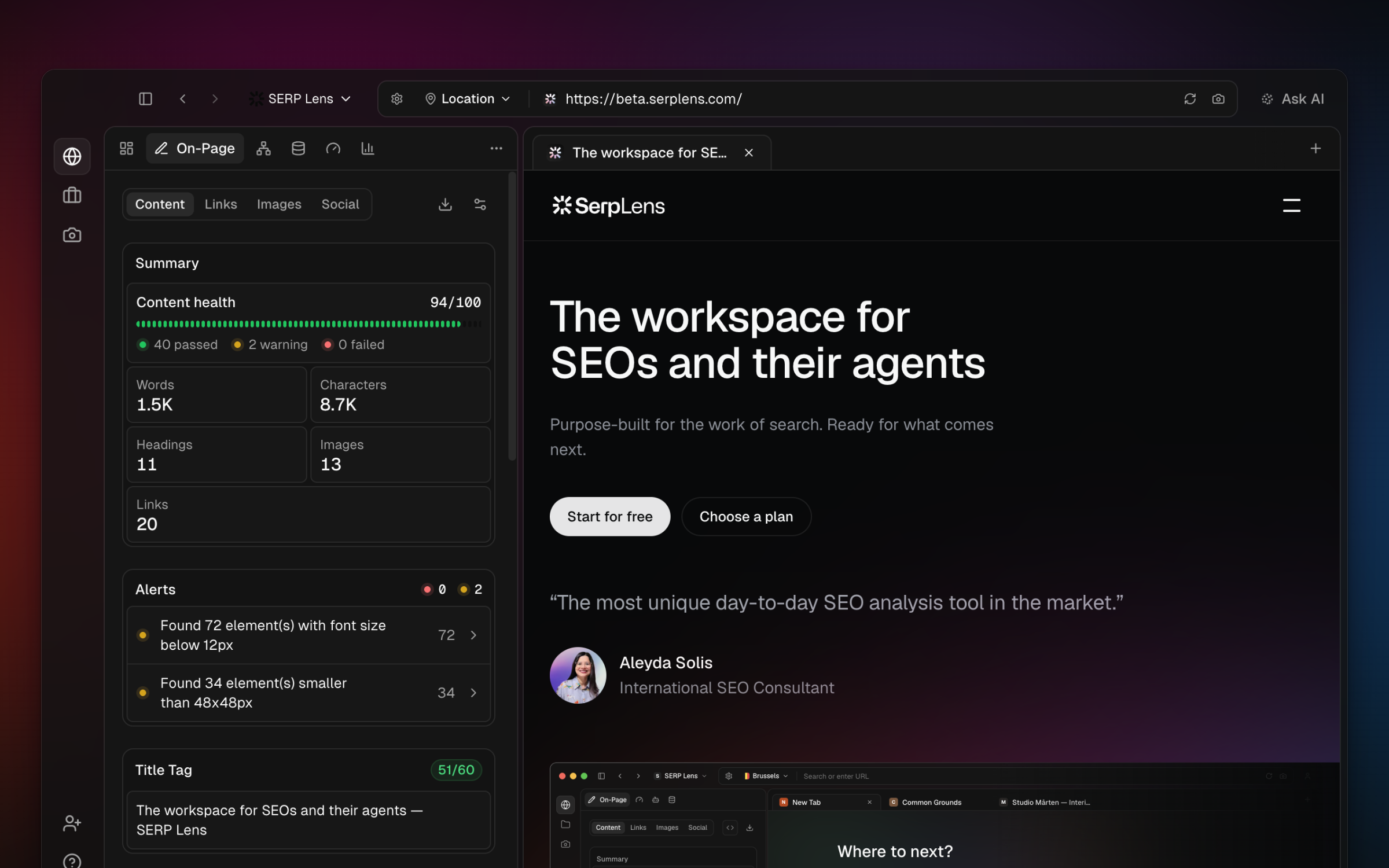
SERP Lens is a Chromium-based browser with SEO analysis attached to the page you are viewing. Open a URL, a search query, or a local development page and inspect it without sending the page to a separate crawler.
Browser workspace
- Omnibar — open URLs, search with a selected engine, use engine commands, and return to recent destinations.
- Tabs — open, close, restore, and switch between pages with standard browser controls.
- Content panel — inspect the current page through the analysis panels available to your team.
- Page settings — change the device, user agent, network, JavaScript, CSS, cache, cookies, and search behavior for the current tab.
- Location selector — route browser traffic through an available VPN location.
- Command palette — press Cmd K on macOS or Ctrl K on Windows to find browser, project, screenshot, settings, and SEO actions.
Analysis panels
Open or collapse the content panel while you browse. Its top-level sections are:
| Panel | What it covers |
|---|---|
| Overview | Page summary and the most relevant signals |
| Alerts | Findings that need attention |
| On-Page | Content, links, images, and social metadata |
| GSC | Search Console performance and indexing data for a connected property |
| Page Speed | Live Web Vitals, load timing, resources, and attribution |
| Schema | Structured data and rich-result validation |
| JavaScript | Raw and rendered page differences |
| Compliance | Security and accessibility checks |
| SERP | Features and results on supported search result pages |
| Indexability | Indexing signals and crawler access |
| AI Search | AI-search visibility and citations |
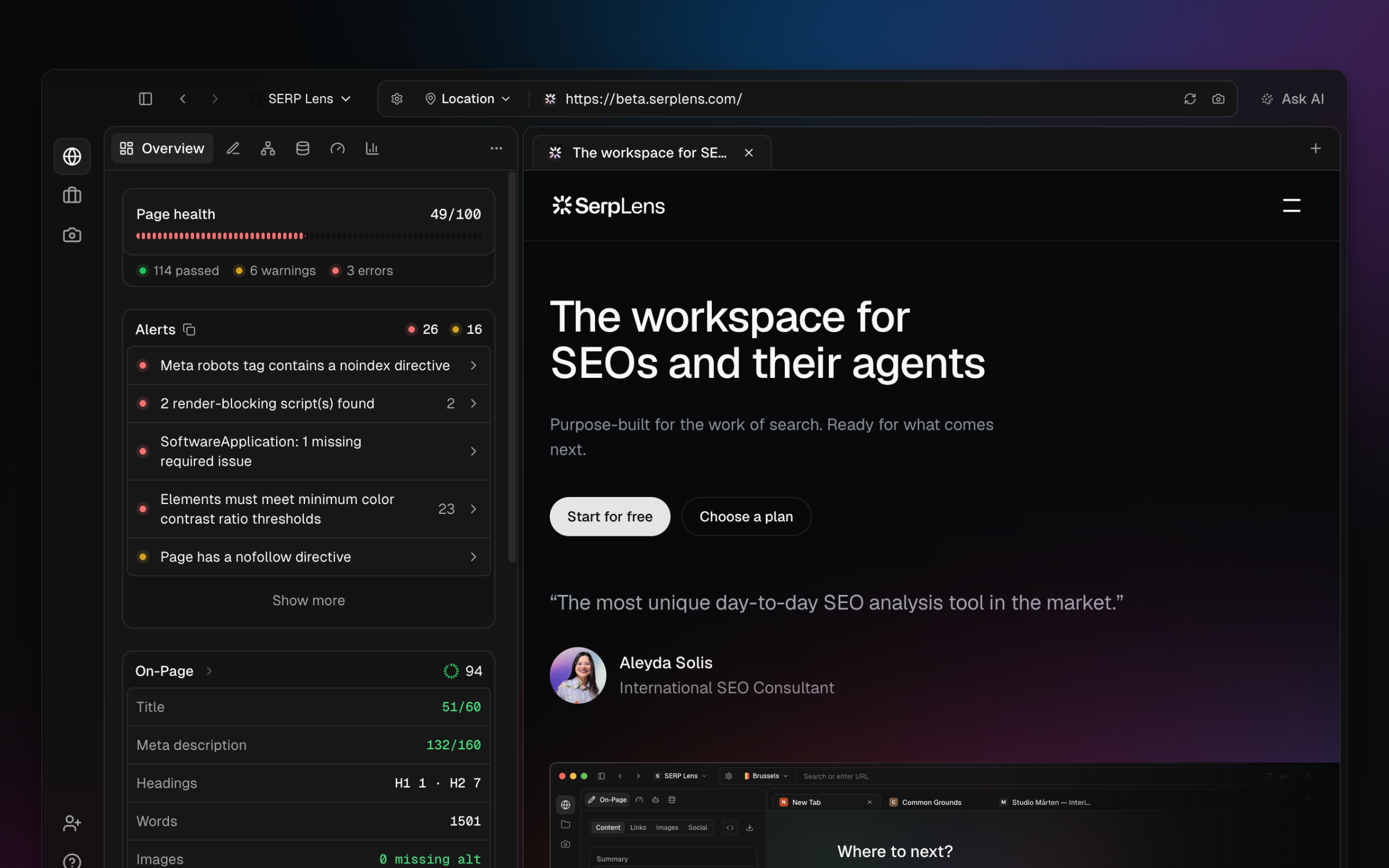
Some panels depend on the active page, plan, or integration. The panel list shows an upgrade or connection state when another action is required.
Analysis lifecycle
Panels refresh when the active page changes or reloads. Page-specific tools use the active tab, while projects, integrations, plan usage, and saved data use the active team.